
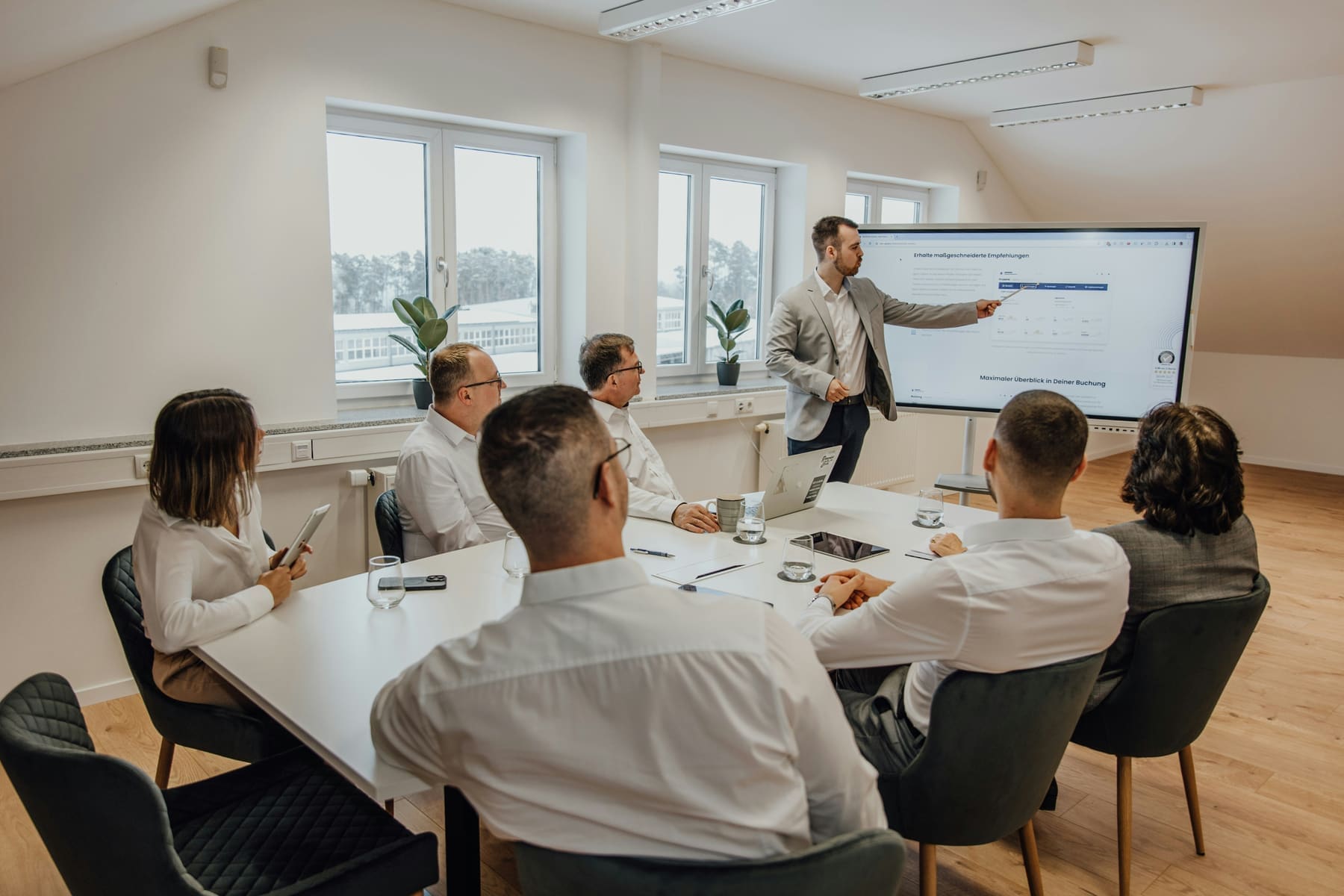
Capacity: 2-5 people
Huddle Room Tech
Unlock productivity in compact spaces with huddle room AV solutions designed for fast-paced collaboration. From wireless content sharing to crystal-clear video calls, our systems support agile teamwork with seamless performance and intuitive controls.
Get a QuoteRecommended AV Equipment for Huddle Rooms
Browse AV gear optimized for huddle rooms and small group collaboration. These compact, cost-effective solutions include all-in-one video conferencing devices, wireless content-sharing tools, and integrated audio — ideal for spontaneous meetings and check-ins.
Your Essential Huddle Room Setup Checklist:
- Compact HD display for video conferencing and content viewing
- All-in-one video bar with built-in camera, microphone, and speaker
- Wireless screen-sharing device for BYOD collaboration
- Centralized AV control for quick call setup and device switching
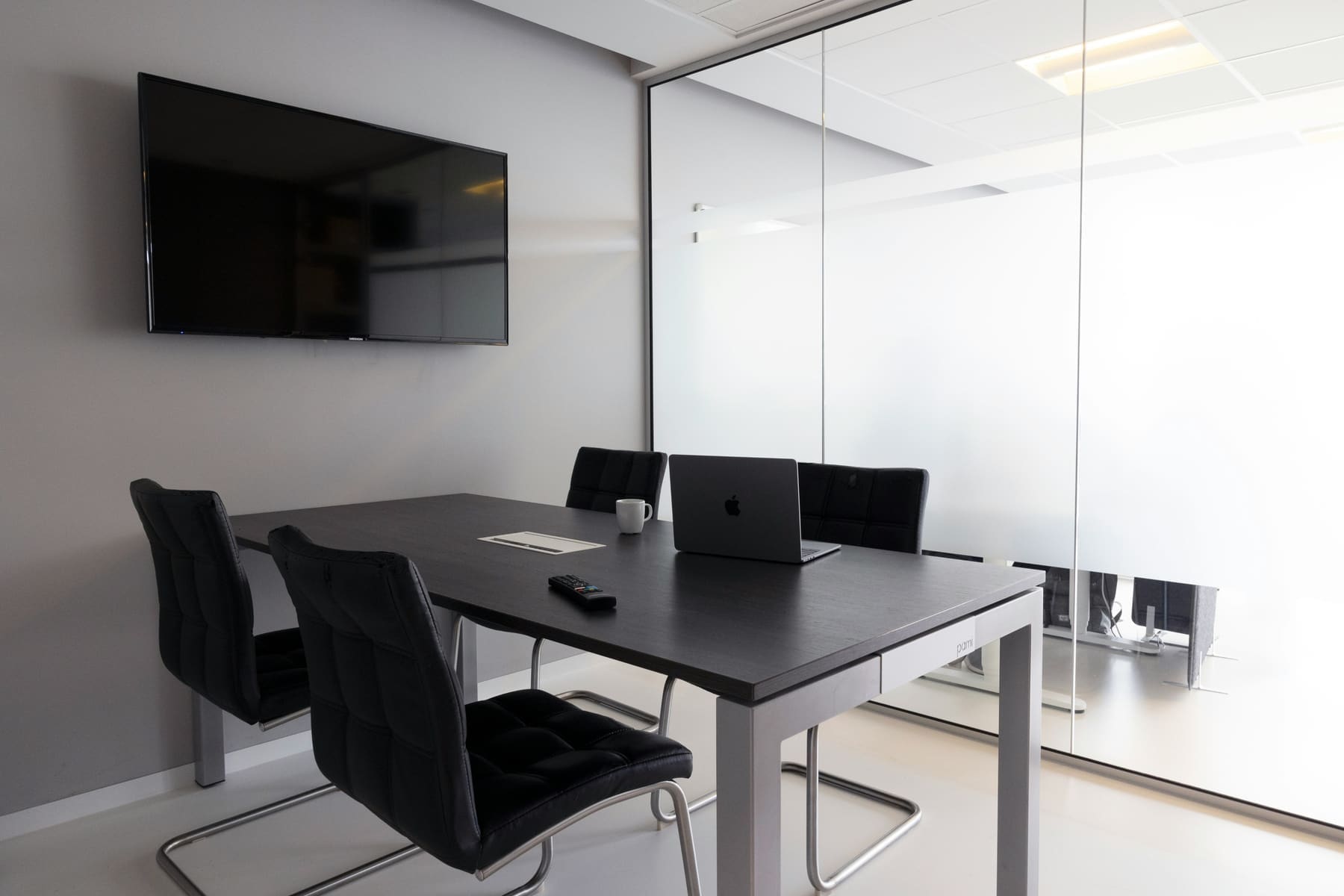
Other spaces we outfit
Every room size has its own constraints. Pick the one closest to yours.

MEETING ROOM
6-12 people
Built for presentations, check-ins, and hybrid collaboration. A complete meeting room setup supports clear communication, reliable video conferencing, and seamless content sharing—ideal for focused, everyday work.
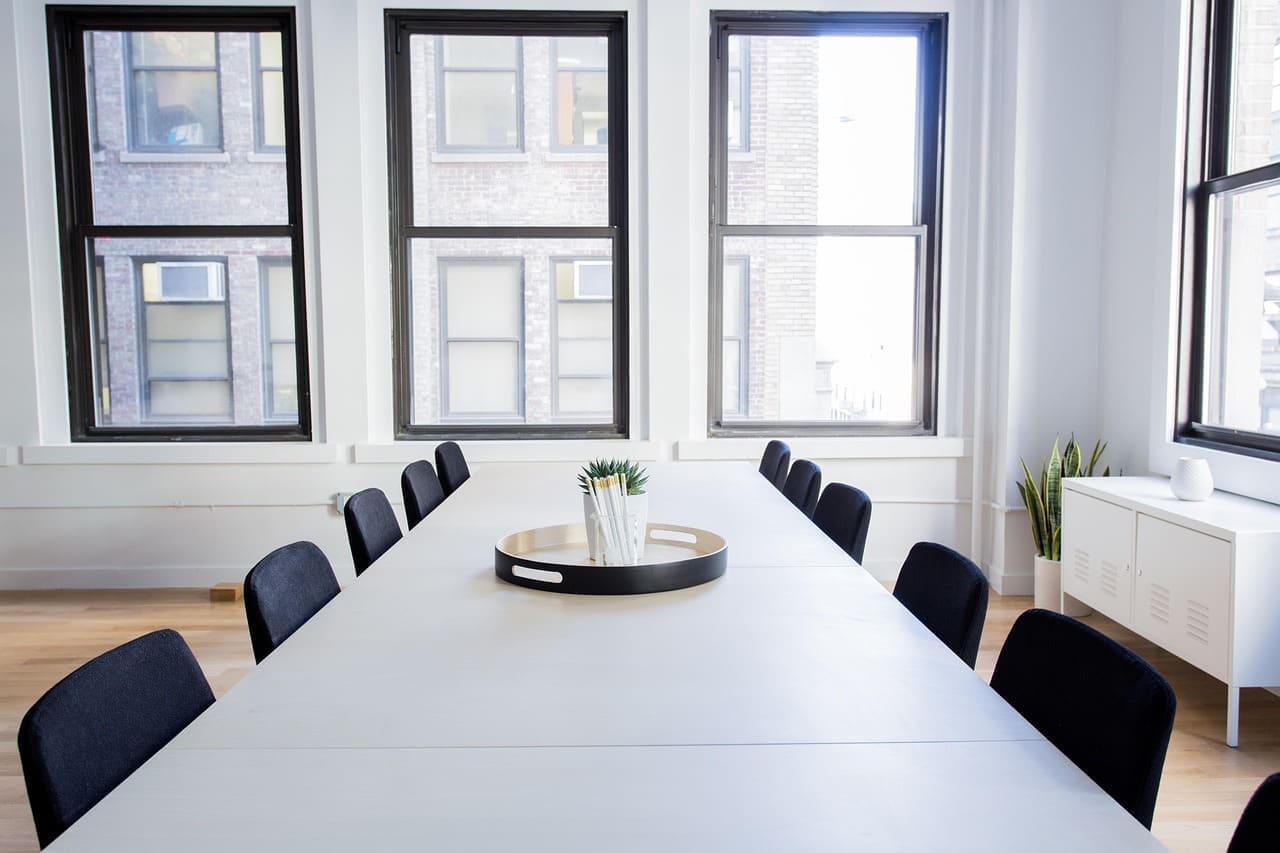
CONFERENCE ROOM
10-20 people
Designed for larger meetings, team-wide planning, and formal presentations. A conference room setup blends dual displays, consistent audio clarity, and AI-powered video conferencing.
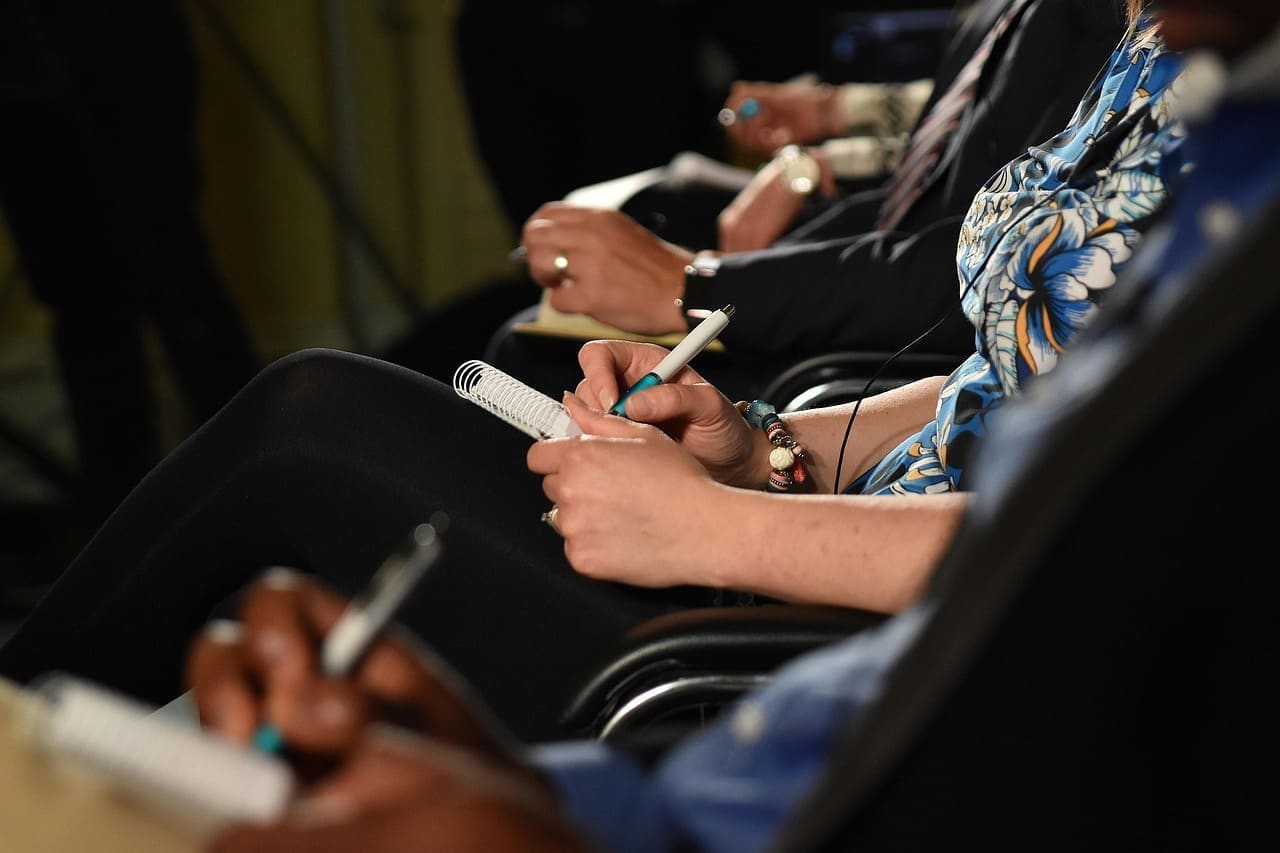
LECTURE ROOM
20-50 people
Lecture rooms focus on delivering content to larger seated audiences. A well-designed lecture room AV solution ensures visibility, audibility, and a consistent experience across the space.
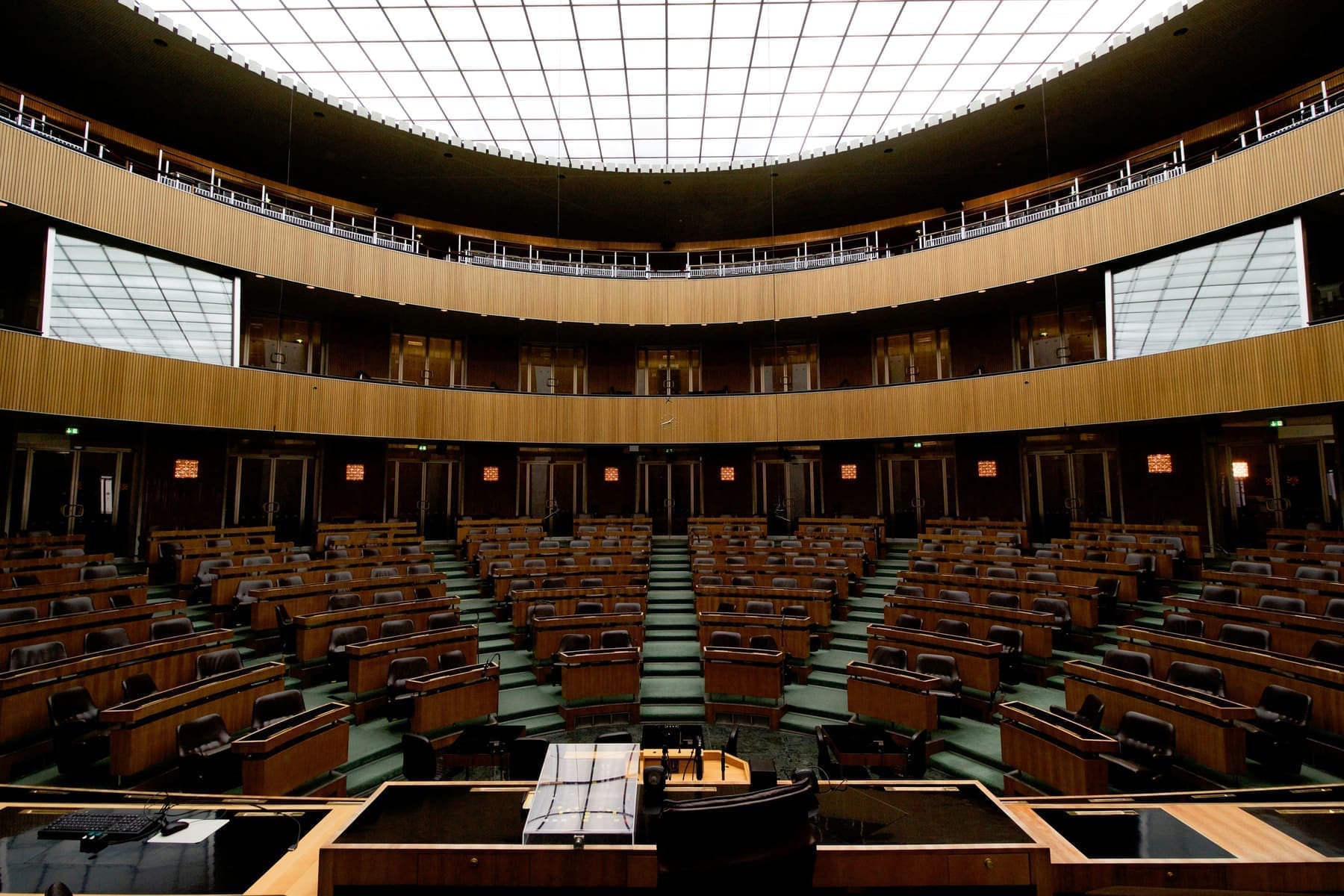
Auditorium
50–300+ people
Designed for large scale presentations, guest speaker events, and hybrid conferences. Auditoriums require comprehensive AV infrastructure to ensure exceptional sound coverage, professional video capture, and full-room visibility for live and remote audiences.
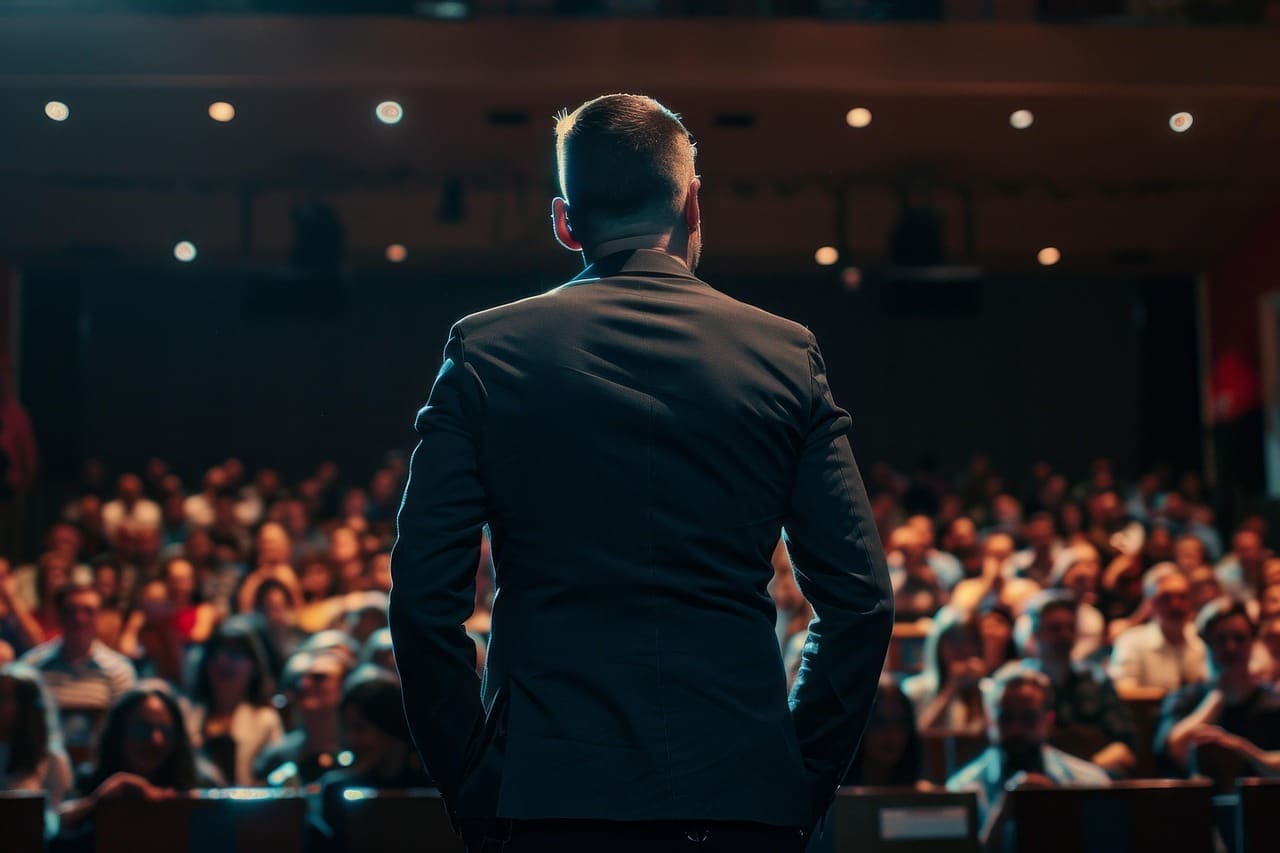
Atriums & Amphitheaters
100–500+ people
Large environments demand expertly designed AV solutions — including distributed sound systems, broadcast-quality video capture, and centralized control -- to ensure clarity, engagement, and performance, even in spaces with challenging acoustics.
Empowering Your AV Tech Journey
We simplify the complexities of AV integration and conferencing technology solutions to support your digital transformation and hybrid workplace.

Cost Effective
Our ROI driven AV systems and conferencing tools designed to boost productivity and lower operating costs.

Innovative Technology
We partner with industry-leading brands like Logitech, Poly, and Crestron to deliver cutting-edge conference room technology.

Support
Dedicated, personalized, and responsive support — our AV specialists are here to assist.

Optimized Solutions
No one-size-fits-all. We design every solution to match your space, your goals, and your team’s way of working.
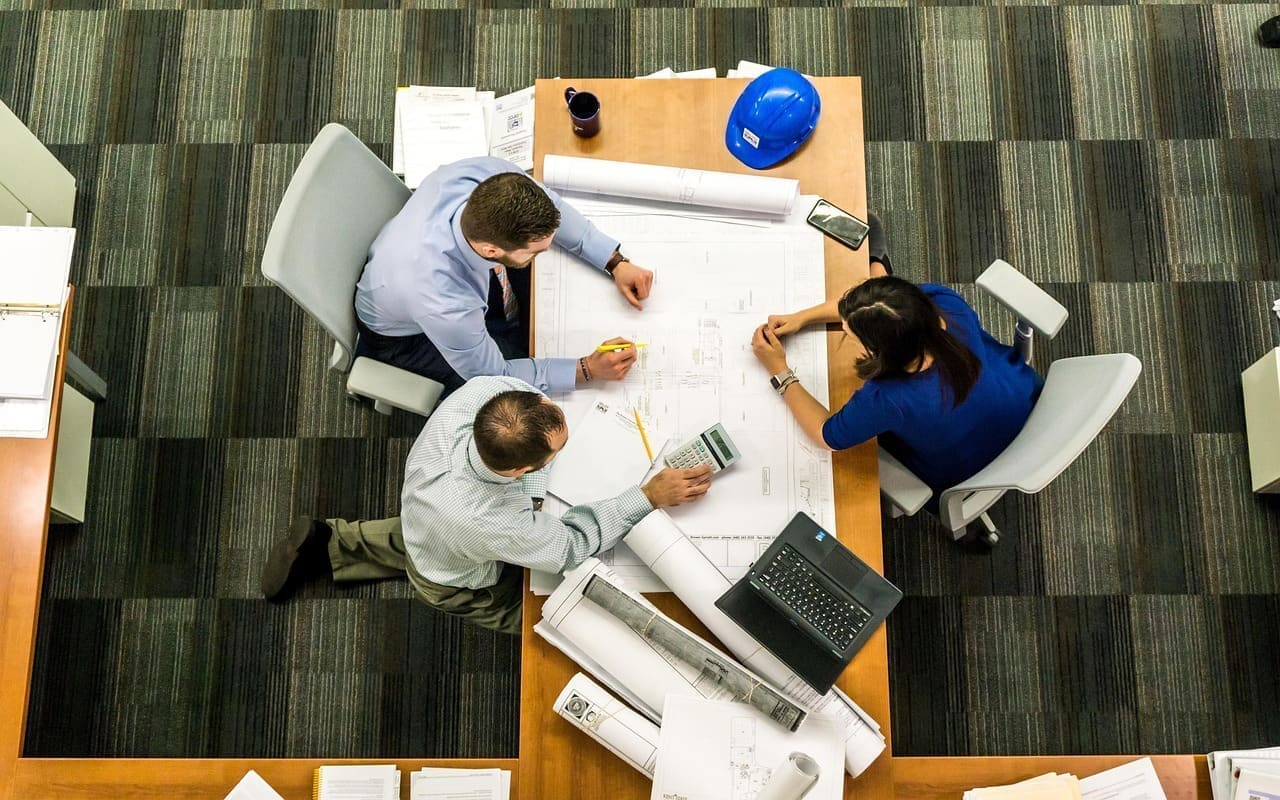
Want to learn more?
Let’s design the room around the way you work
Tell us about the space and we’ll put an AV specialist on it — no obligation, no pricing games.
Frequently Asked Questions
Planning a huddle room?
These are the room-specific questions we settle during survey and design.
Is an all-in-one video bar enough for a huddle room?
For most two-to-five-person rooms, yes. A properly sized all-in-one bar combines the camera, microphone array and loudspeaker without putting separate devices or loose cables on a small table. We confirm the camera's field of view against the seating position and check that its microphone pickup covers the furthest chair.
A separate microphone or DSP becomes useful when the room has unusually hard surfaces, an awkward layout, or people sit outside the bar's intended pickup range.
Can staff use their own laptops in the huddle room?
Yes. We can design the room as a BYOD space, a dedicated Microsoft Teams or Zoom Room, or a hybrid of both. A BYOD connection should carry camera, microphone, speaker and display over one clearly labelled cable or wireless workflow so a guest does not have to assemble the room one device at a time.
For a shared office, a dedicated room system is usually more consistent; BYOD remains useful as a fallback for guests and less common meeting platforms.
Do small rooms need a touch controller?
Not always, but a dedicated controller earns its place when the room is bookable by many people. It gives everyone the same one-touch join, volume and camera controls without relying on whichever laptop happens to be connected.
For an informal focus room, a simple USB connection may be enough. We decide from the booking workflow and support model, not by adding a screen to every room automatically.
How do you stop a huddle room from sounding echoey?
Small rooms often have glass walls, a hard table and very little soft furnishing, so reflections build quickly. We listen to the room during the survey, keep microphone gain under control and position the bar away from reflective corners. Where the room itself is the problem, modest acoustic treatment usually improves speech more than buying a more expensive microphone.
Can’t Find What You’re Looking For?
Not every setup fits into a neat category — and that’s exactly what we’re here for. We’ll help you create a fully tailored AV installation that works for your team, your layout, and your budget.
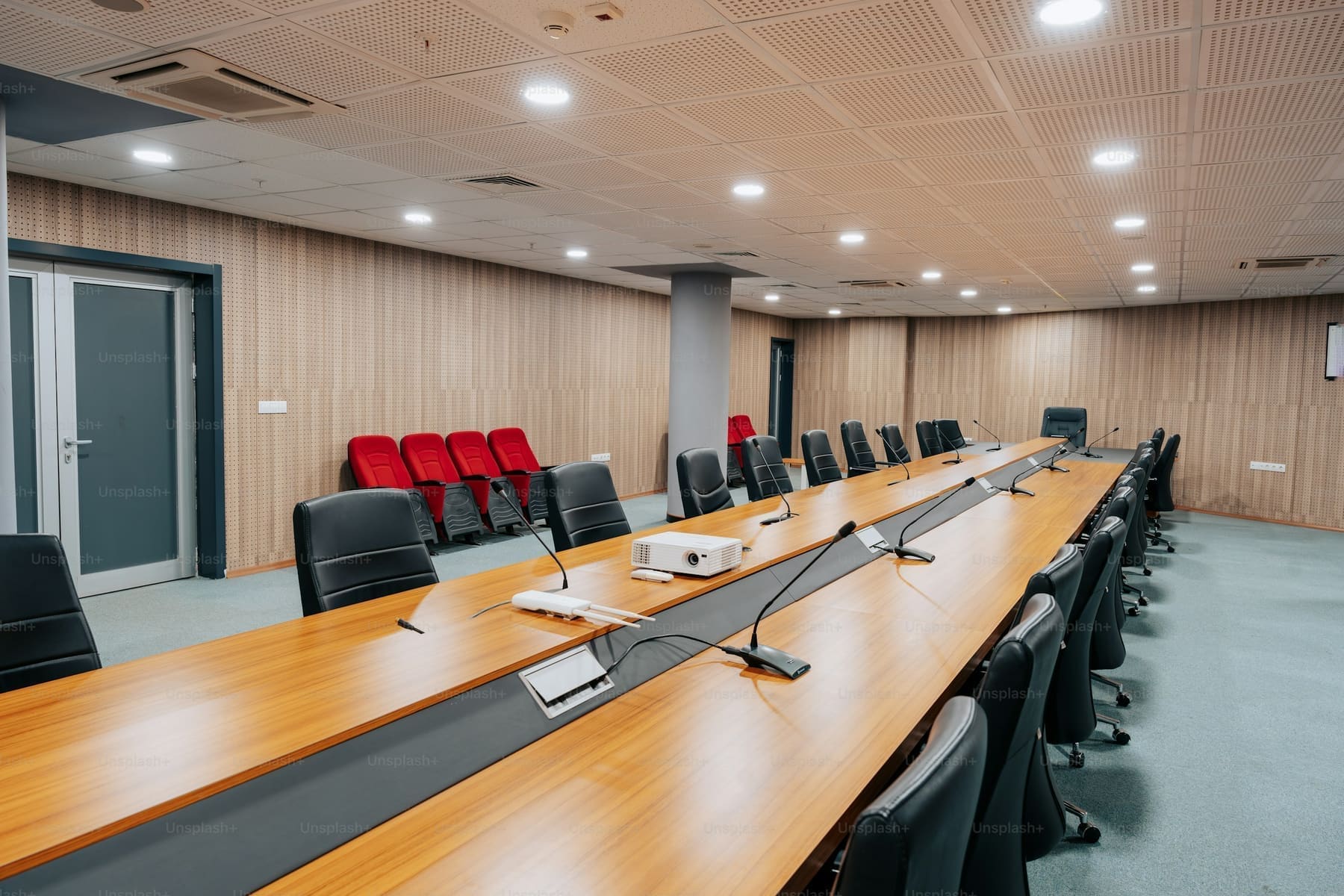
Request a Quote
Need expert help? We’ve got you covered — from strategy to setup.
Fill out the form to schedule a FREE consultation with one of our AV experts. Whether you need conferencing, control, KVM, AV-over-IP, or outdoor tech solutions — we’ve got you covered. We’ll connect you with a specialist to design the right setup for your space. A member of our team will reach out to you soon.