
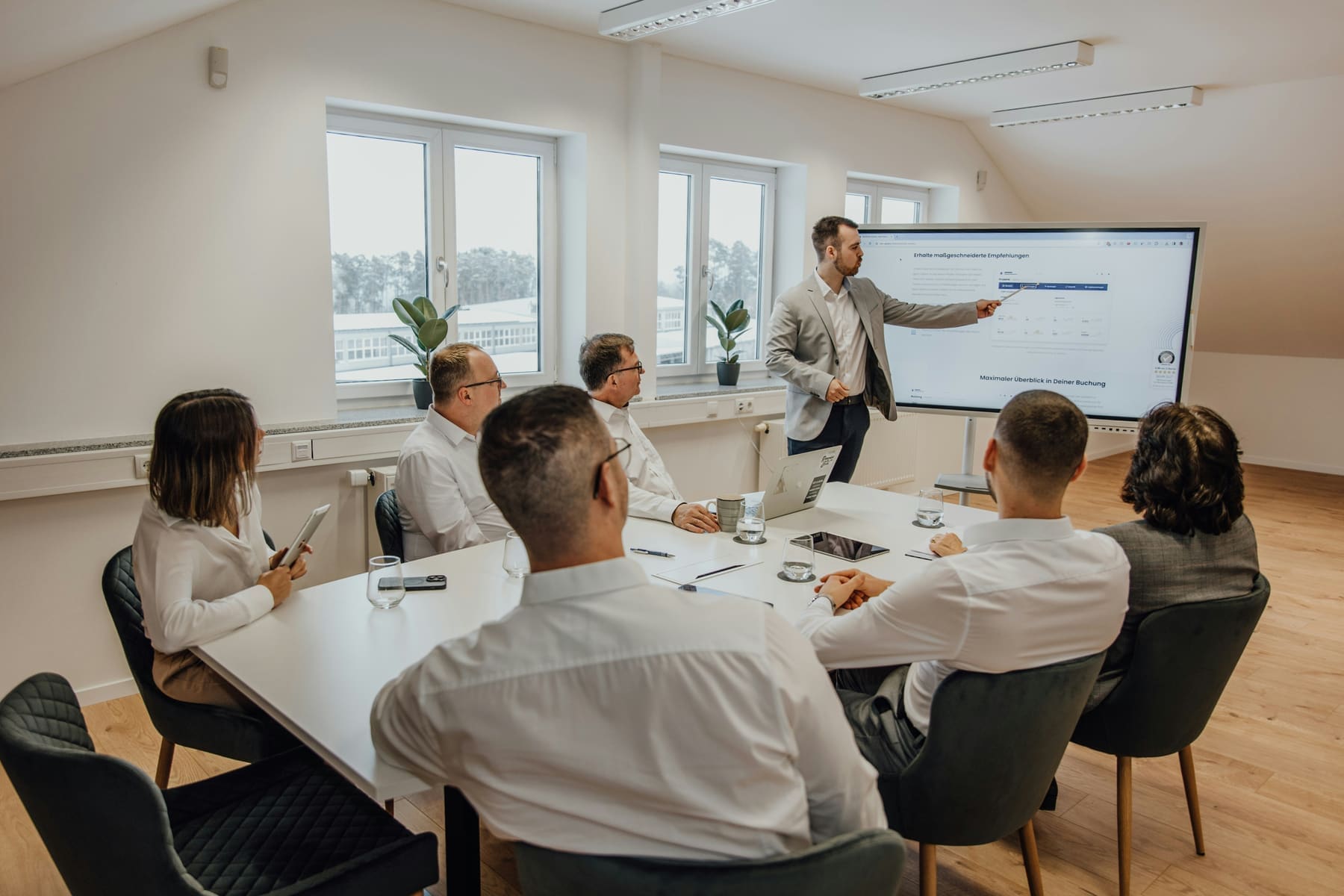
Capacity: 6-12 people
Meeting Room Tech
Optimize your meeting room technology with fully integrated AV systems, video conferencing solutions, and intelligent room control setups designed for seamless collaboration.
Get a QuoteRecommended AV Equipment for Meeting Rooms
Explore expert-picked devices that meet essential meeting room requirements—from 4K video conferencing cameras to touchscreen controllers and wireless microphones—everything you need for a complete meeting room setup.
Your Essential Meeting Room Setup Checklist:
- Soundbar with Integrated Microphone Array for clear audio output with reliable voice pickup across the room
- 4K Ultra HD conference camera that gives you crystal-clear video with a wide-angle view for immersive meetings.
- Touchscreen meeting controller that gives you easy, one-touch access to all your video conferencing systems.
- Wireless microphone system that gives you high-fidelity voice transmission without background noise or interference.

Other spaces we outfit
Every room size has its own constraints. Pick the one closest to yours.
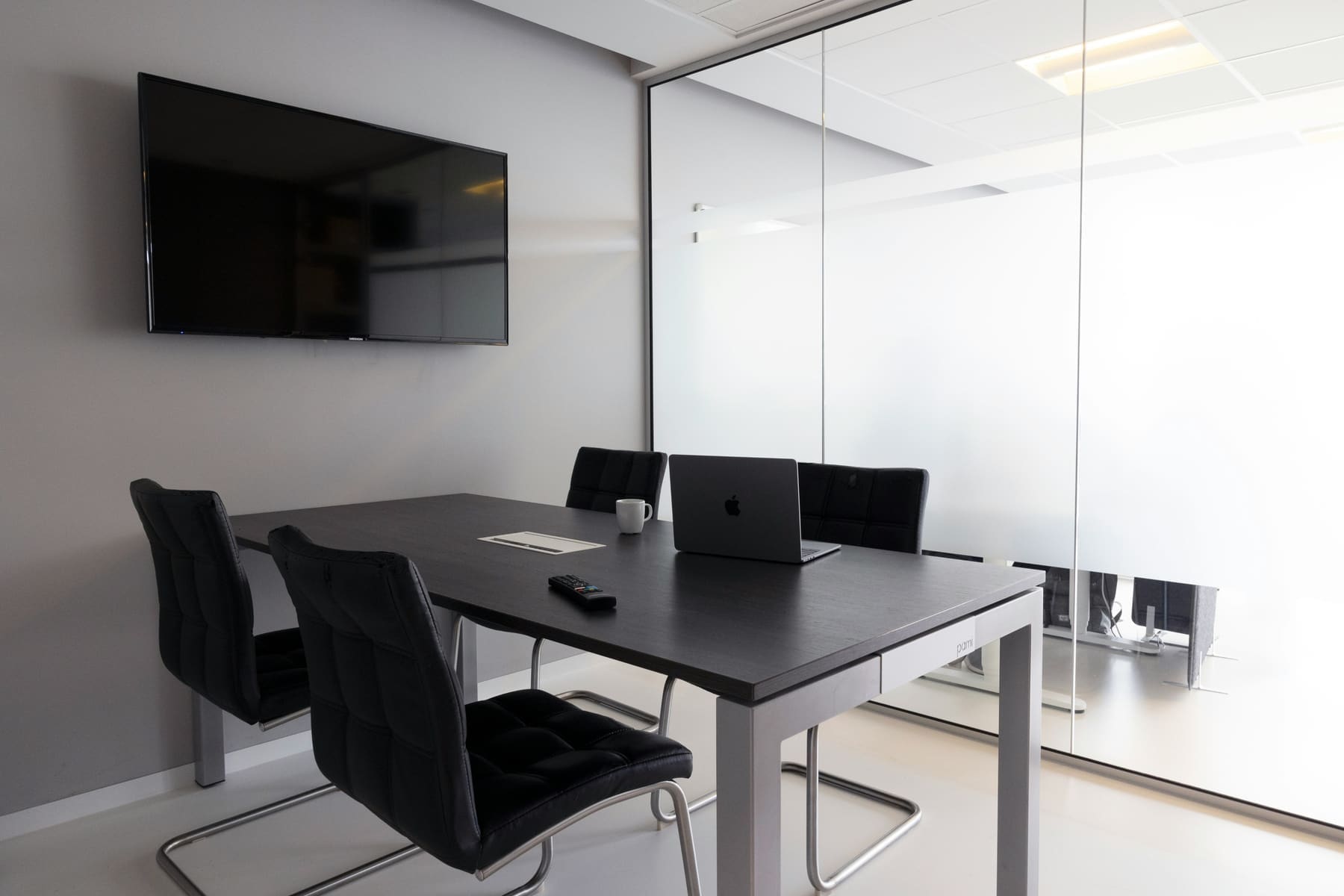
HUDDLE ROOM
2-5 people
Ideal for quick discussions, check-ins, and spontaneous collaboration. A huddle-room AV setup delivers video conferencing, wireless content sharing, and integrated audio — keeping small groups productive.

CONFERENCE ROOM
10-20 people
Designed for larger meetings, team-wide planning, and formal presentations. A conference room setup blends dual displays, consistent audio clarity, and AI-powered video conferencing.

LECTURE ROOM
20-50 people
Lecture rooms focus on delivering content to larger seated audiences. A well-designed lecture room AV solution ensures visibility, audibility, and a consistent experience across the space.
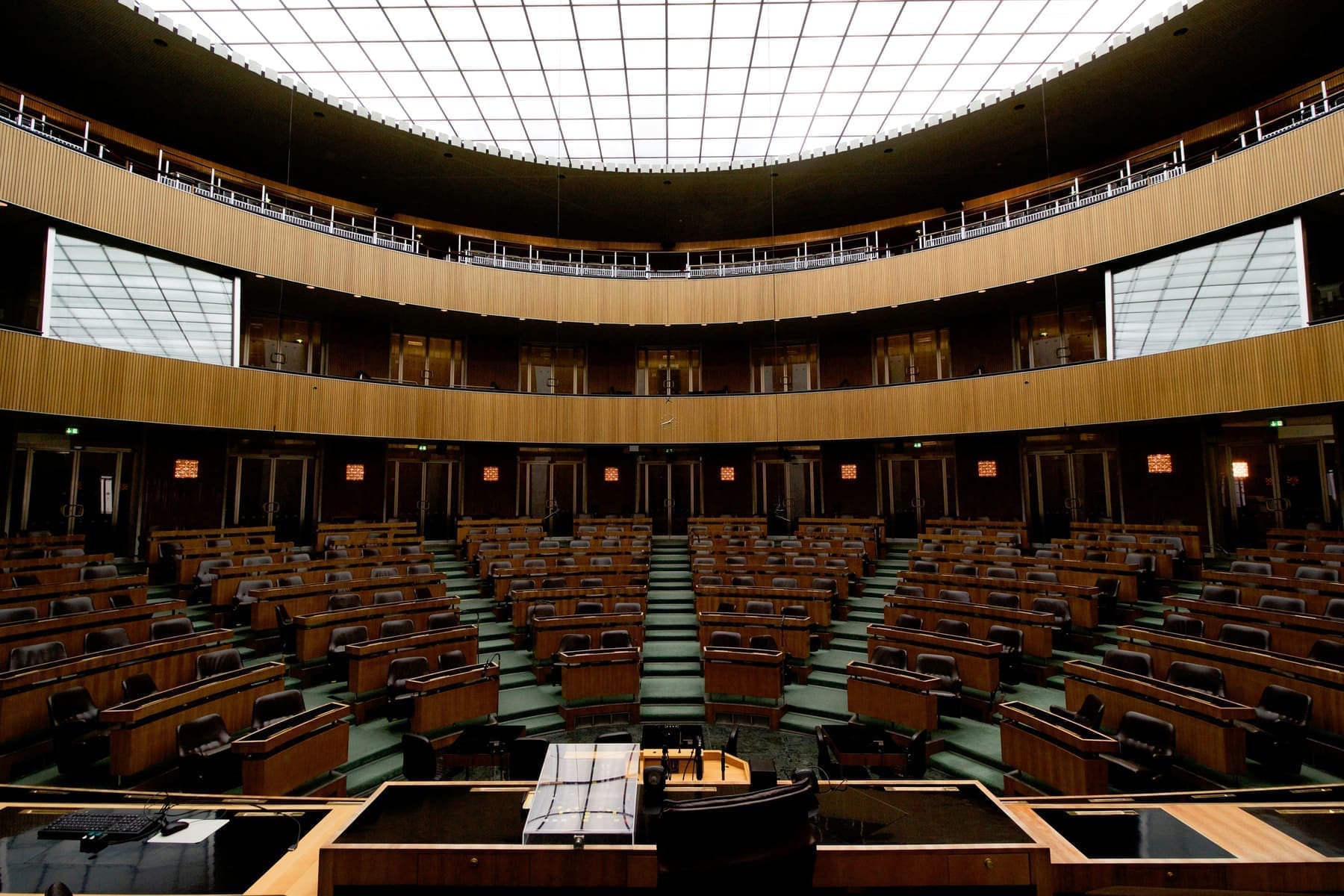
Auditorium
50–300+ people
Designed for large scale presentations, guest speaker events, and hybrid conferences. Auditoriums require comprehensive AV infrastructure to ensure exceptional sound coverage, professional video capture, and full-room visibility for live and remote audiences.

Atriums & Amphitheaters
100–500+ people
Large environments demand expertly designed AV solutions — including distributed sound systems, broadcast-quality video capture, and centralized control -- to ensure clarity, engagement, and performance, even in spaces with challenging acoustics.
Empowering Your AV Tech Journey
We simplify the complexities of AV integration and conferencing technology solutions to support your digital transformation and hybrid workplace.

Cost Effective
Our ROI driven AV systems and conferencing tools designed to boost productivity and lower operating costs.

Innovative Technology
We partner with industry-leading brands like Logitech, Poly, and Crestron to deliver cutting-edge conference room technology.

Support
Dedicated, personalized, and responsive support — our AV specialists are here to assist.

Optimized Solutions
No one-size-fits-all. We design every solution to match your space, your goals, and your team’s way of working.
Want to learn more?
Let’s design the room around the way you work
Tell us about the space and we’ll put an AV specialist on it — no obligation, no pricing games.
Frequently Asked Questions
Planning a meeting room?
These are the room-specific questions we settle during survey and design.
What display size works for a six-to-twelve-person meeting room?
Display size follows the furthest viewing distance and the type of content being shared. A spreadsheet or detailed drawing needs larger text than a video call, so seat count alone is not enough. We measure the furthest chair, check available wall width and decide whether one display or two gives the better working layout.
Dual displays are useful when teams regularly need to see remote participants and shared content at the same time; they are unnecessary where most meetings are presentation-only.
Should a meeting room use a video bar or separate microphones?
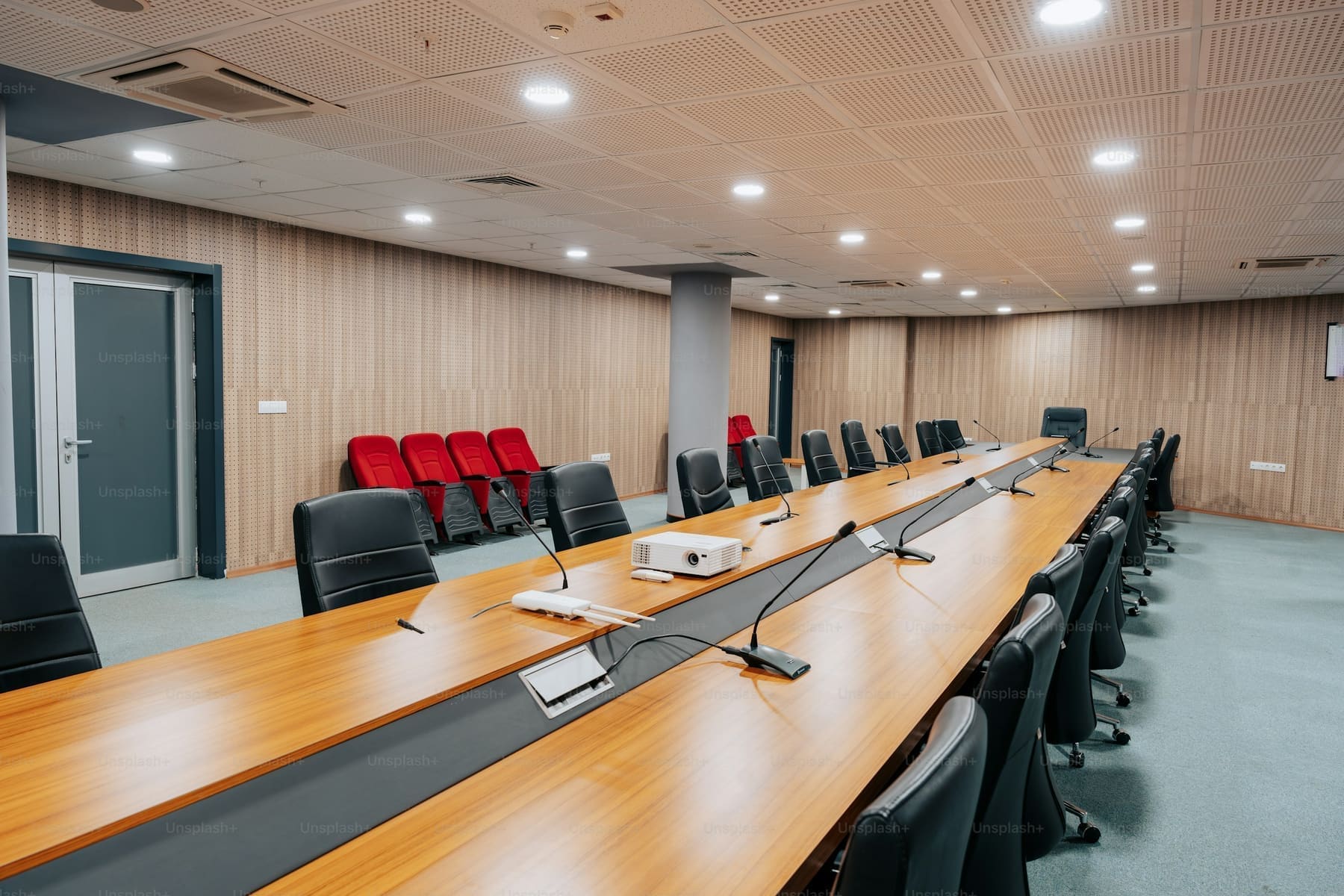
A video bar can cover many standard rectangular meeting rooms, especially when the table and display are close together. Separate ceiling or tabletop microphones make sense when the table is long, the ceiling is high, or people sit beyond the bar's rated pickup.
We map every seat before choosing. The goal is consistent speech pickup, not the highest microphone count, because too many open microphones can make the room noisier and harder to tune.
Can the room join both Microsoft Teams and Zoom meetings?
Yes, but the best workflow depends on which platform owns the room calendar. Current Teams Rooms and Zoom Rooms systems can join many third-party meetings, while a BYOD input gives staff a reliable fallback for any service. We confirm the exact behaviour of the selected hardware and licensing before installation so users know whether they will tap Join, connect a laptop, or use a guest-join option.
Can the meeting room be monitored by our IT team?
Most business-class room systems expose device health, firmware status and call readiness through a cloud management portal. We can enrol compatible cameras, controllers and scheduling panels, document ownership and agree which alerts belong with your IT team and which come to support. That catches an unplugged device or failed update before the next important meeting.
Can’t Find What You’re Looking For?
Not every setup fits into a neat category — and that’s exactly what we’re here for. We’ll help you create a fully tailored AV installation that works for your team, your layout, and your budget.
Request a Quote
Need expert help? We’ve got you covered — from strategy to setup.
Fill out the form to schedule a FREE consultation with one of our AV experts. Whether you need conferencing, control, KVM, AV-over-IP, or outdoor tech solutions — we’ve got you covered. We’ll connect you with a specialist to design the right setup for your space. A member of our team will reach out to you soon.